
A no-code tool can spin up a working app in a weekend. It can also leave you with a product nobody can audit or hand to a real engineer six months later. The best practices below separate production-ready projects from the demos that go nowhere.
We cover what no-code development looks like in 2026 now that most platforms added AI. We cover the practices that keep an app enterprise-grade and where projects usually break down. We finish with platform choice and the ownership question. If you are also hiring developers to help build, the list doubles as an interview rubric.
What No-Code Development Actually Means In 2026
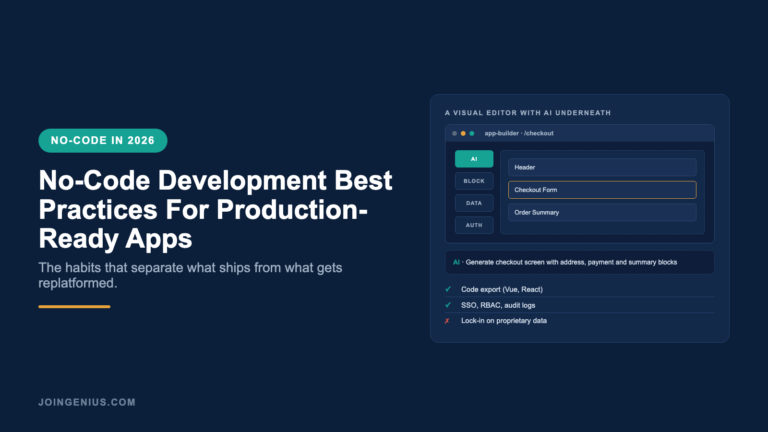
The label stuck, but the tools underneath barely resemble the drag-and-drop editors from five years ago. What counts as no-code in 2026 is closer to a visual front end wired to a code-generation layer and a real backend behind it.
From Drag-And-Drop To AI Plus Visual Editor
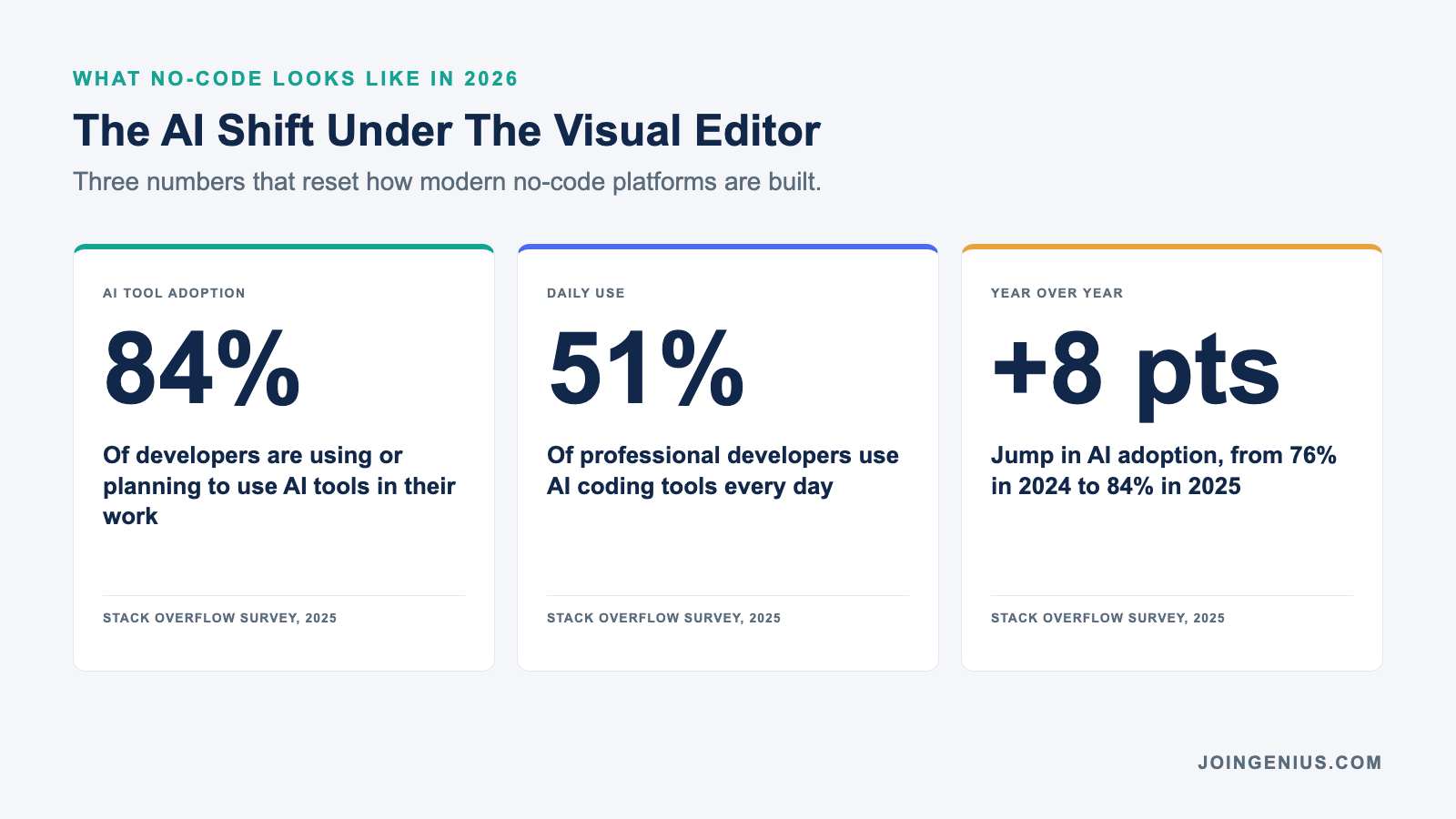
Most current platforms let you describe what you want in plain English, generate a screen from the description, and then edit it visually. The 2025 Stack Overflow Developer Survey of about 49,000 developers found that 84 percent are using or planning to use AI tools in their work.
That is up from 76 percent the year before. Daily use among professional developers reached 51 percent. No-code platforms built after that shift expect AI to sit inside the editor, not beside it. The practices below assume this as the baseline.
Where The Risk Moved
Old no-code apps failed at scale. New ones still can, so that risk has not gone away. The newer risk is subtler. An AI-generated page looks clean, but the data model behind it does not match anything you can audit.
A reviewer has to open the actual data layer to tell. Teams that skip that step find out later, when a report comes back wrong or a compliance review flags fields nobody remembered creating. The time to catch it is before the app has real users on it.
The Best Practices That Separate Prototypes From Production
Most no-code projects that reach production share a short list of habits. None of them are complicated. They get skipped under time pressure, which is when the trouble starts.
Keep Your Data Owned And Exportable
The data behind your app should live in a database you can read directly, not inside the platform’s proprietary store. Platforms that only expose data through their editor create a lock-in you may not notice for a year.
A plain Postgres or Supabase behind the UI gives you a query tool and an export whenever you need one. It also lets a BI tool connect without going through the no-code vendor. Most teams that get this wrong end up paying to recreate the data layer during a replatform.
Treat Auth And Permissions Like An Engineering Spec
Users and roles are the part of a no-code app most teams get wrong. Default to SSO for anything an employee touches and OAuth for public accounts. Write down who can see each table before you build the UI. Retrofitting access rules after launch almost always leaks data to someone who should not see it.
Version Control And Staging Environments
Treat every change like a code deploy. A staging environment catches the bug before your sales team meets it in a demo. Platforms worth using support exports to Git or a native version history with named releases. If a platform only lets you edit live production, the risk is not a best practice gap. It is the platform.
Write Down The App Logic Outside The Platform
The logic inside visual workflows is readable while you build it. Six months later, nobody remembers why a specific rule fires. A short README of the real business rules, kept outside the platform, saves the next person weeks of reverse engineering. This is cheap now and expensive to add later.
The README is also the artifact a security reviewer and a replacement engineer will both ask for first. If you ever move off the platform, this one file is what makes the migration possible.
Where No-Code Projects Usually Break Down
Each of the issues below has hit teams we talk to more than once. None of them are about the platform being bad. They are about the team using the platform without a plan for what happens after the first release ships.
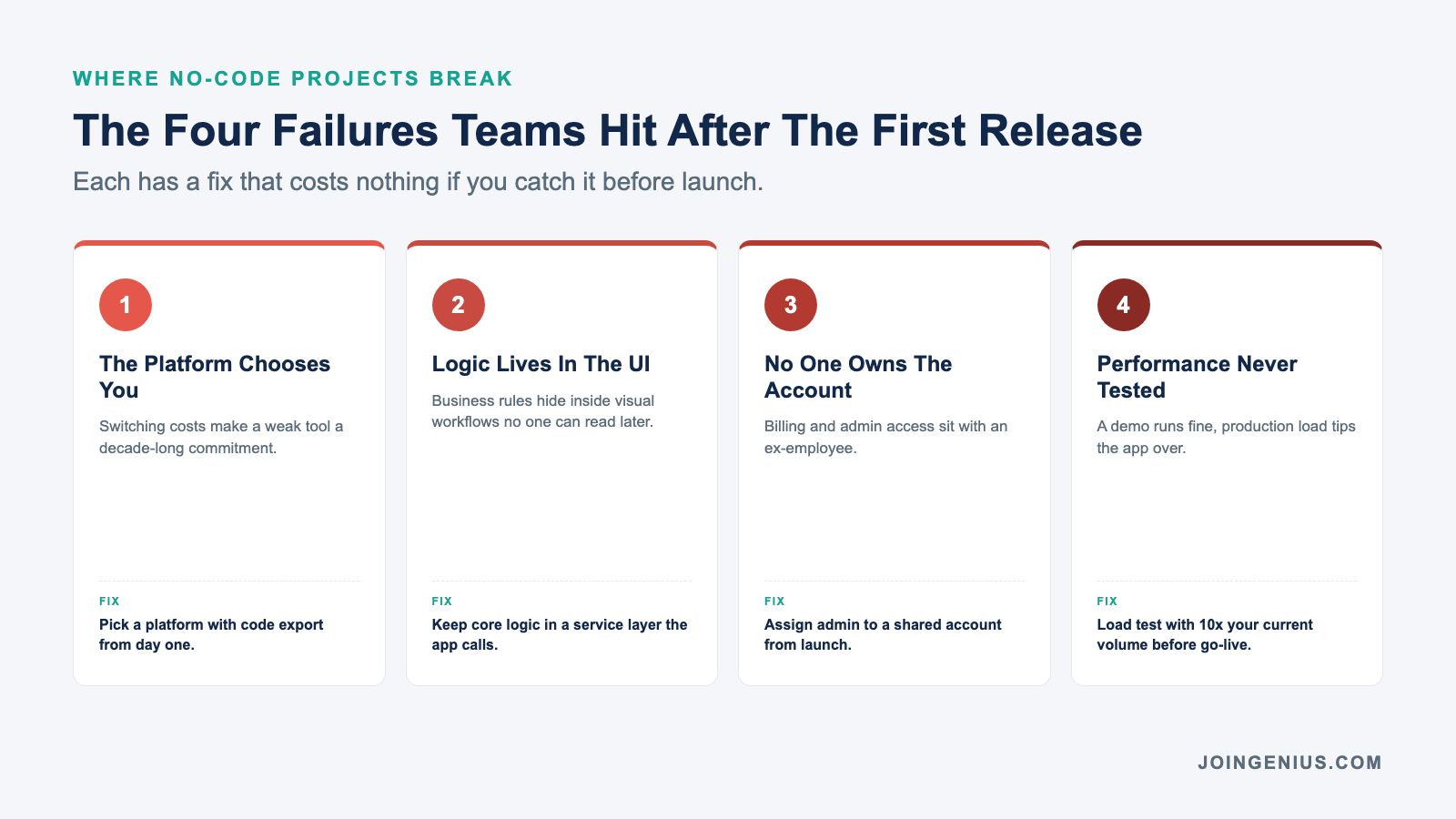
| Failure | What It Looks Like | What To Do Instead |
|---|---|---|
| The platform chooses you | Switching costs make a weak tool a decade-long commitment | Pick one with a working code export path from day one |
| Logic lives in the UI | Business rules hide inside visual workflows no one can read later | Keep core logic in a service layer the app calls |
| No one owns the account | Billing and admin access sit with an ex-employee | Assign admin to a shared account from launch |
| Performance never tested | A demo runs fine, production load tips the app over | Load test with 10x your current volume before go-live |
Volume context helps too. GitHub’s 2025 Octoverse report, dated October 28, 2025, says more than 180 million developers now work and build on GitHub. 80 percent of new developers on GitHub use Copilot in their first week. Builders arriving today assume AI tooling by default.
A no-code platform that treats AI as a plugin rather than a core part of the editor is already behind that curve. Any best practice you adopt needs to assume an AI-first workflow, because the next hire will expect one.
How To Choose A No-Code Platform Your IT Team Will Approve
The platform decision matters more than the first app you build on it. The wrong choice shows up as a security review that fails or a vendor renewal you cannot escape. The right one makes everything after it easier.
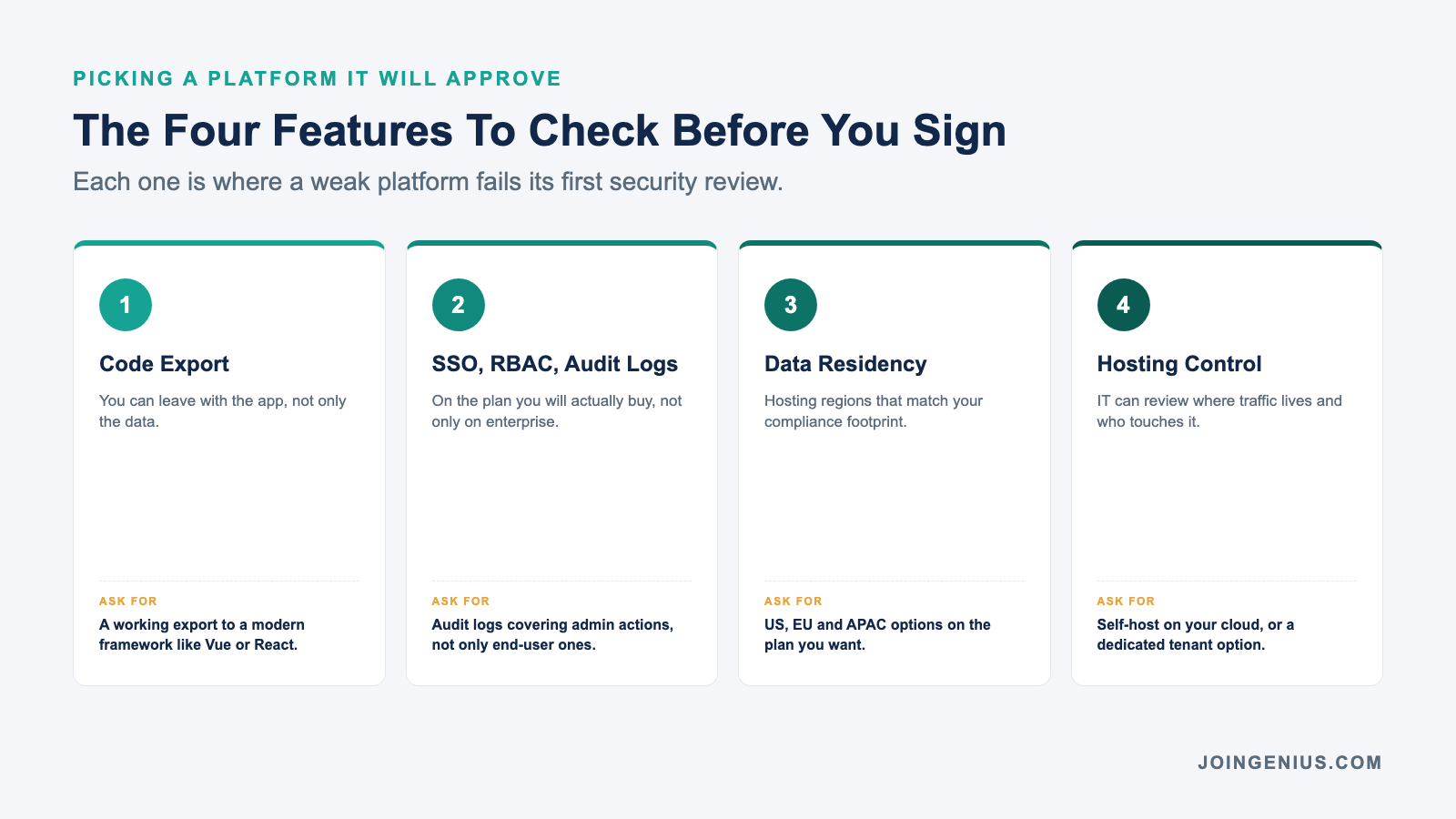
The Four Features To Check Before You Sign
- Code export so you can leave with the app, not only with the data.
- SSO, RBAC and audit logs on the plan you will actually buy, not only on enterprise.
- Data residency options that match your compliance needs.
- Granular hosting control so IT can review where traffic lives.
What Enterprise-Ready Actually Looks Like
A platform’s enterprise plan should list specific standards, not slogans. SOC 2 Type II and GDPR are table stakes, and HIPAA matters if health data ever touches the system. Check the fine print for whether audit logs cover admin actions or only user actions.
A visual development platform such as WeWeb lets you build inside a drag-and-drop editor and then export the whole app as a Vue.js single-page application you can host yourself. That export path is what most IT teams actually ask about in a procurement review.
Clean exports are still rare in the category, which is why it is worth asking about on the first call with any vendor you are considering.
WeWeb is a paid subscription with per-developer seat pricing and separate hosting, so the fit depends on how much custom code you still need to add around the visual editor. If the comparison is between buying the platform and adding developers instead, our guide on how to outsource software development covers that tradeoff in more detail.
Who Should Own No-Code Development Inside Your Team
Ownership is the step most companies skip. A no-code app without a named owner drifts out of maintenance inside a year. The role does not have to be full-time, but it has to be someone.
The Owner Profile That Works
In most teams, a senior product engineer owns the no-code platform the way they would own any internal tool. They decide which apps belong on the platform and which belong in a real codebase.
They review the schema and the auth model for every new app, and they sign off on the export path. They do not have to build the apps themselves. Their job is to say no to work that does not belong on the platform.
Compensation Anchors For The Hire
Senior engineering roles that cover no-code work still sit inside the software developer category. The US Bureau of Labor Statistics puts the median wage for software developers at $135,980 in May 2025. It projects employment to grow 10 percent from 2025 to 2035, with about 106,100 openings a year across the broader software developer, QA and testing group.
That growth rate is why time to hire matters. A no-code owner is a hybrid product and engineering role, in demand with both sides of the house. If you need help running the search, an engineering recruitment agency can source candidates, and our post on how to hire LATAM developers covers remote options at lower comp.
Conclusion
Treat no-code as a delivery choice, not a shortcut around engineering. Pick a platform with a real export path and name one owner for every app that ships. Write the business logic down somewhere outside the editor before the second person touches it. Those three steps catch almost every failure mode on this list.
Teams that ship real products on no-code look boring from the outside, because their process matches any other engineering team. That is the point. The visual editor is a shortcut on the keystrokes, not on the discipline.
Here at Genius, we place the senior engineers and product leads who own this work. We source top one percent engineering talent from the Philippines and LATAM at roughly 80 percent less than local comp. There are no monthly fees, and every placement comes with a six month replacement guarantee. Talk to Genius about your next no-code or platform hire.